

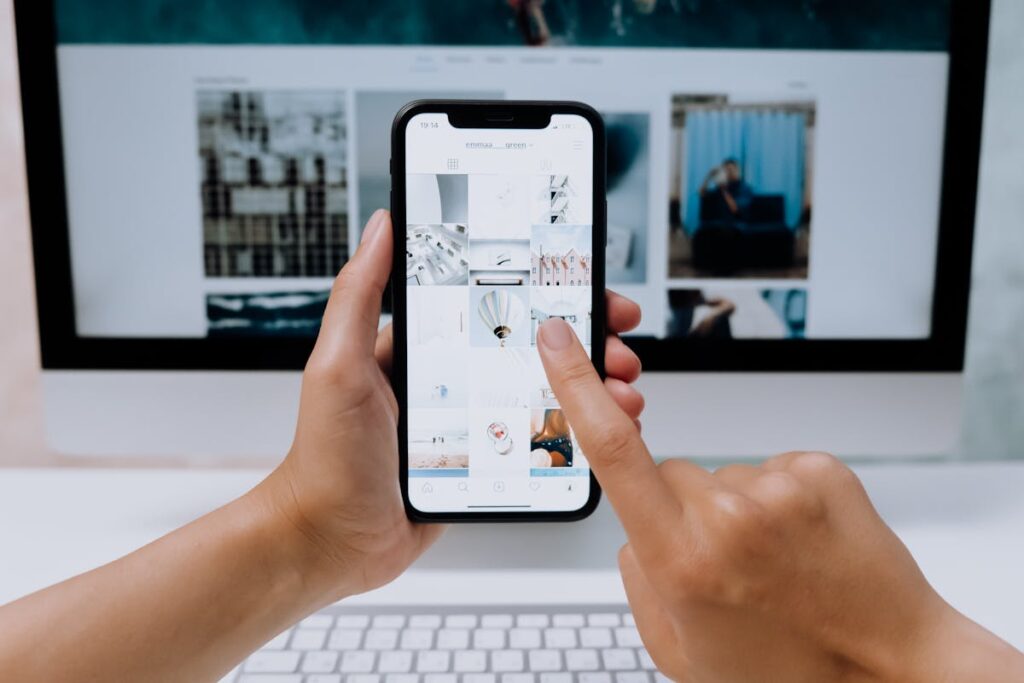
Mockups are the bridge between a raw design file and a client-ready presentation. Before AI, creating realistic product mockups meant hunting for PSD templates, wrestling with Smart Objects in Photoshop, and spending 20–40 minutes per scene. AI mockup generators have compressed that workflow to under 60 seconds—often with better lighting, shadows, and environmental context than manual compositing ever achieved.
What Is an AI Mockup Generator?
An AI mockup generator uses machine learning—typically diffusion models or GAN-based rendering—to place your design onto a realistic product surface. Unlike traditional template-based tools that warp a flat image onto a pre-photographed scene, AI generators can synthesize entirely new environments, adjust perspective automatically, and even simulate fabric wrinkles, screen glare, or embossing effects based on the design’s visual properties.
Top AI Mockup Generators Compared (2026)
1. Placeit by Envato
Placeit offers over 90,000 templates spanning apparel, devices, print, and packaging. Their AI engine auto-adjusts color matching and shadow angles. Pricing starts at $7.47/month (annual plan). Best for freelancers and small agencies needing volume. Visit Placeit
2. Smartmockups
Acquired by Canva in 2021, Smartmockups integrates directly into the Canva ecosystem. It supports real-time preview, video mockups, and batch export. Free tier available with watermarks; Pro included in Canva Pro ($12.99/month). Visit Smartmockups
3. Artboard Studio
Artboard Studio provides a full design editor alongside mockup generation. You can animate mockups into video presentations, add custom lighting rigs, and export at up to 8K resolution. Plans start at $12/month. Visit Artboard Studio
4. Mockup World
A curated directory of free PSD mockups from designers worldwide. While not AI-powered itself, many listed resources now include AI-enhanced smart objects. Completely free. Visit Mockup World
5. MockuPhone
Specialized in device mockups—phones, tablets, laptops, watches—MockuPhone generates clean, distraction-free device frames ideal for app store screenshots and pitch decks. Free to use. Visit MockuPhone
Use Cases by Industry
eCommerce and Product Design
Sellers on Amazon, Etsy, and Shopify use AI mockups to create lifestyle product shots without hiring photographers. A mug design can be placed in a kitchen scene, on a desk, or held by a model—all generated in seconds. Studies from Shopify’s product photography guide show that lifestyle images increase conversion rates by 20–30% compared to flat lay shots alone.
App Development
Developers need device mockups for App Store listings, pitch decks, and marketing pages. AI tools generate pixel-perfect device frames with correct screen curvature, notch placement, and bezel proportions for the latest devices within hours of their release.
Print-on-Demand
T-shirt, poster, and stationery designers create dozens of variations daily. AI mockup generators handle fabric texture simulation—cotton weave, polyester sheen, canvas grain—so customers can visualize the final product before ordering. Platforms like Printful’s mockup generator integrate this directly into the fulfillment pipeline.
Step-by-Step: Creating a Professional Mockup
Step 1: Export your design as a high-resolution PNG with transparent background (minimum 300 DPI for print, 72 DPI for digital).
Step 2: Choose your mockup tool and select a scene category (apparel, device, packaging, environmental).
Step 3: Upload your design. The AI will auto-detect edges, adjust perspective, and apply realistic shadows.
Step 4: Customize the scene—change background color, adjust lighting warmth (2700K–6500K), toggle shadow intensity.
Step 5: Export in your required format. For web, use JPEG at 80% quality. For print presentations, export as PNG or TIFF at full resolution.
Advanced Techniques
Batch Processing for Catalogs
Tools like Placeit and Artboard Studio support CSV-driven batch generation. Upload a spreadsheet with design file paths, color variants, and scene IDs to generate hundreds of mockups automatically—essential for eCommerce catalogs with 50+ SKUs.
Video Mockups
Static mockups are giving way to animated presentations. Smartmockups and Artboard Studio can render 5–15 second looping videos showing a phone rotating, a shirt being worn in motion, or a package being opened. These outperform static images in social media ads by 2–3x engagement according to Meta’s advertising best practices.
AR-Ready Mockups
Some generators now export in USDZ (Apple) and GLB (Android) formats, allowing clients to preview products in augmented reality through their phone cameras. This is particularly powerful for furniture, home decor, and packaging design.
Common Mistakes to Avoid
Wrong resolution: Uploading a 500px wide design to a 4K mockup scene creates visible pixelation. Always match your source resolution to the mockup’s design area dimensions.
Ignoring lighting direction: If your design has baked-in shadows or highlights, they must match the mockup scene’s light source. Most AI tools handle this, but manually edited designs may clash.
Over-saturated colors: Screen mockups display RGB colors, but printed products use CMYK. Use your tool’s color profile settings or manually desaturate by 10–15% for print-realistic previews.
FAQ
Are AI-generated mockups free to use commercially?
Yes, most paid platforms grant full commercial rights. Free tools may have attribution requirements—always check the specific license terms.
Can I create mockups from my own photos?
Yes. Tools like Adobe Photoshop’s Generative Fill and Artboard Studio allow you to designate a surface area in any photo and map your design onto it with AI-assisted perspective correction.
How do AI mockups compare to real photography?
For digital products and early-stage presentations, AI mockups are indistinguishable from photos. For luxury brands or tactile products (leather, textiles), real photography still captures material quality more convincingly.
Create Your Own QR Code for Free — Need a custom QR code for your project, business, or personal use? Try our free QR code generator to create high-quality QR codes instantly in PNG, SVG, and more formats.