

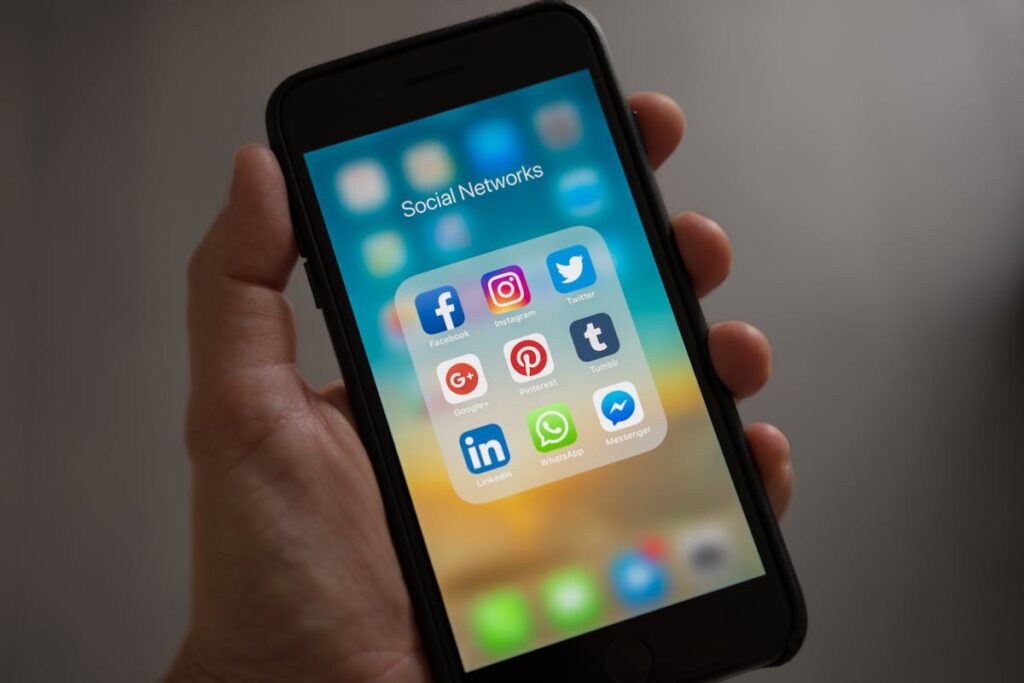
Social media design in 2026 requires producing high-quality visuals at unprecedented volume and speed. Between Instagram, TikTok, LinkedIn, Facebook, X (Twitter), Pinterest, and emerging platforms, brands need to maintain a consistent visual identity across formats ranging from square posts to vertical Stories to wide cover images. AI tools have become indispensable for meeting this demand without sacrificing quality. This guide covers the best AI tools and workflows for designing social media content across every major platform.
Platform-Specific Design Requirements
Each platform has unique technical requirements and audience expectations. Getting these right is the foundation of effective social media design.
Instagram: Feed posts at 1080×1080 (square), 1080×1350 (portrait, recommended — takes more screen space), or 1080×566 (landscape). Stories and Reels at 1080×1920. Carousel posts up to 10 slides. Instagram’s algorithm favors visually cohesive feeds where individual posts work together as a grid. Reference: Instagram’s official creator resources.
TikTok: Video at 1080×1920. Thumbnail images at 1080×1920. TikTok’s visual language is raw, energetic, and trend-driven — overly polished designs often underperform compared to authentic, slightly rough aesthetics. Keep text large (TikTok viewers watch on phones) and place key elements in the center to avoid UI overlap.
LinkedIn: Single images at 1200×1200 or 1200×628. Document carousels (PDF upload) for multi-slide educational content — this format gets exceptional engagement on LinkedIn. Cover images at 1584×396. LinkedIn favors professional, clean, information-dense visuals with serif or professional sans-serif typography.
Pinterest: Standard pins at 1000×1500 (2:3 ratio). Idea pins at 1080×1920. Pinterest is a visual search engine, so designs should be optimized for discoverability — include readable text overlays with keywords, use high-contrast colors, and ensure images tell a clear story at thumbnail size.
Best AI Tools for Social Media Design
Canva Magic Studio
Canva Magic Studio is the most comprehensive AI social media design platform. Magic Design generates complete posts from a text description. Magic Switch converts a single design to every platform format automatically. Magic Animate adds motion for video-first platforms. The Content Planner schedules posts directly to connected social accounts. For social media managers handling multiple platforms, Canva is the productivity hub.
Adobe Express
Adobe Express offers AI-powered templates, Firefly image generation, and brand consistency tools. Its strongest advantage is deep integration with Adobe Creative Cloud — assets from Photoshop and Illustrator flow seamlessly into social templates. The Content Scheduler publishes to Instagram, Facebook, TikTok, Pinterest, and LinkedIn.
Midjourney for Hero Images
For standout hero images, Midjourney generates visuals with cinematic quality that stops the scroll. Use it for campaign hero shots, mood-setting backgrounds, and conceptual visuals. Generate at your target aspect ratio (–ar 4:5 for Instagram portrait, –ar 9:16 for Stories) and composite with text in Canva or Photoshop.
CapCut for Video Content
CapCut (by ByteDance, the parent company of TikTok) has become the leading free video editor for social media. Its AI features include auto-captions (essential for accessibility and engagement — studies show 85% of Facebook videos are watched without sound), background removal, AI effects, and smart templates that match trending TikTok formats.
Predis.ai for AI-Generated Posts
Predis.ai generates complete social media posts — image, caption, hashtags — from a brief text description. It analyzes your brand’s past performance to suggest content strategies and generates content calendars. While the creative quality does not match manual design, it is effective for maintaining consistent posting frequency when resources are limited.
AI-Powered Social Media Workflows
Batch Content Creation
The most efficient social media workflow creates content in batches rather than one post at a time. Design a content template system in Canva or Adobe Express: establish 3-5 visual templates (quote posts, tips, product features, behind-the-scenes, user-generated content reposts) with your brand colors and fonts. Use Magic Design to generate variations within each template category. Batch-create a week or month of content in a single session, then schedule using the platform’s content planner or tools like Buffer or Hootsuite.
Cross-Platform Adaptation
Design for your primary platform first (usually Instagram or TikTok based on where your audience is most active), then use AI to adapt. Canva’s Magic Switch or Adobe Express’s resize feature intelligently reformat your design for other platforms — repositioning elements, adjusting text sizes, and adapting the composition for each format. This turns one design into 5-7 platform-specific versions in minutes.
AI Copywriting for Captions
Pair visual design with AI-generated copy. ChatGPT, Claude, Canva’s Magic Write, and Jasper all generate platform-specific captions. For best results, provide your brand voice guidelines, the image description, the target platform, and the desired call-to-action. Always edit AI-generated copy for brand voice and factual accuracy before publishing.
Design Principles for Social Media Success
The 3-second rule: Your design must communicate its message within 3 seconds of appearing in the feed. Use large, clear typography, a single focal point, high contrast between text and background, and minimal visual clutter.
Accessibility: Use sufficient color contrast (WCAG AA minimum: 4.5:1 for normal text). Add alt text to all images. Include captions on all video content. Avoid communicating information through color alone. The WebAIM Contrast Checker is a free tool for verifying accessibility.
Consistency builds recognition: Maintain consistent colors, fonts, and visual style across all posts. Your audience should recognize your content before reading the account name. Use brand kits in Canva or Adobe Express to enforce consistency across team members.
Text-to-image ratio: Facebook and Instagram historically penalized posts with too much text (the “20% text rule”). While this is no longer strictly enforced, designs with minimal, impactful text consistently outperform text-heavy designs in engagement metrics.
Trending Design Styles for Social Media in 2026
Anti-design and brutalism: Raw, intentionally rough aesthetics with misaligned elements, harsh typography, and bold color clashes. Performs well on platforms where authenticity is valued (TikTok, Instagram Stories).
3D and mixed-media: Combining 3D rendered elements with photography and flat design. AI tools like Midjourney and Spline make 3D elements accessible to 2D designers.
Maximalism: Dense, layered compositions with multiple textures, patterns, and visual elements. A counter-trend to the minimalism that dominated the previous decade.
AI transparency: Brands openly labeling AI-generated content, turning it into an aesthetic choice rather than hiding it. Some brands use AI artifacts intentionally as a visual style element.
Measuring Design Performance
Track these metrics to understand which designs resonate with your audience: Engagement rate (likes + comments + saves + shares / reach) — the primary indicator of visual appeal. Save rate — particularly valuable on Instagram, indicating content people want to return to. Click-through rate — for designs with call-to-actions. Reach — how far the algorithm distributes your content, which correlates with visual quality and engagement.
Use platform analytics (Instagram Insights, TikTok Analytics, LinkedIn Analytics) and third-party tools like Sprout Social to identify your best-performing visual styles, then create more content following those patterns.
Frequently Asked Questions
How often should I post on each platform?
General guidelines based on current algorithm behavior: Instagram feed 3-5x/week, Stories daily, Reels 4-7x/week. TikTok 1-3x/day. LinkedIn 3-5x/week. Pinterest 5-15 pins/day. These are starting points — your optimal frequency depends on your audience and capacity. Consistency matters more than volume.
Should I use AI-generated images for social media?
Yes, with caveats. AI-generated images work well for conceptual visuals, backgrounds, and artistic content. For product photos and team shots, authentic photography performs better. Many brands use a mix: AI for creative visuals and graphics, real photography for human and product content.
Conclusion
AI tools have transformed social media design from a bottleneck into a scalable process. The winning approach combines AI-powered design tools (Canva, Adobe Express) for rapid content creation, AI image generators (Midjourney, DALL-E) for standout hero visuals, AI copywriting for captions, and AI scheduling for consistent publishing. The designer’s role shifts from manual production to creative direction — defining the strategy, style, and message while AI handles the execution at scale.
Create Your Own QR Code for Free — Need a custom QR code for your project, business, or personal use? Try our free QR code generator to create high-quality QR codes instantly in PNG, SVG, and more formats.