

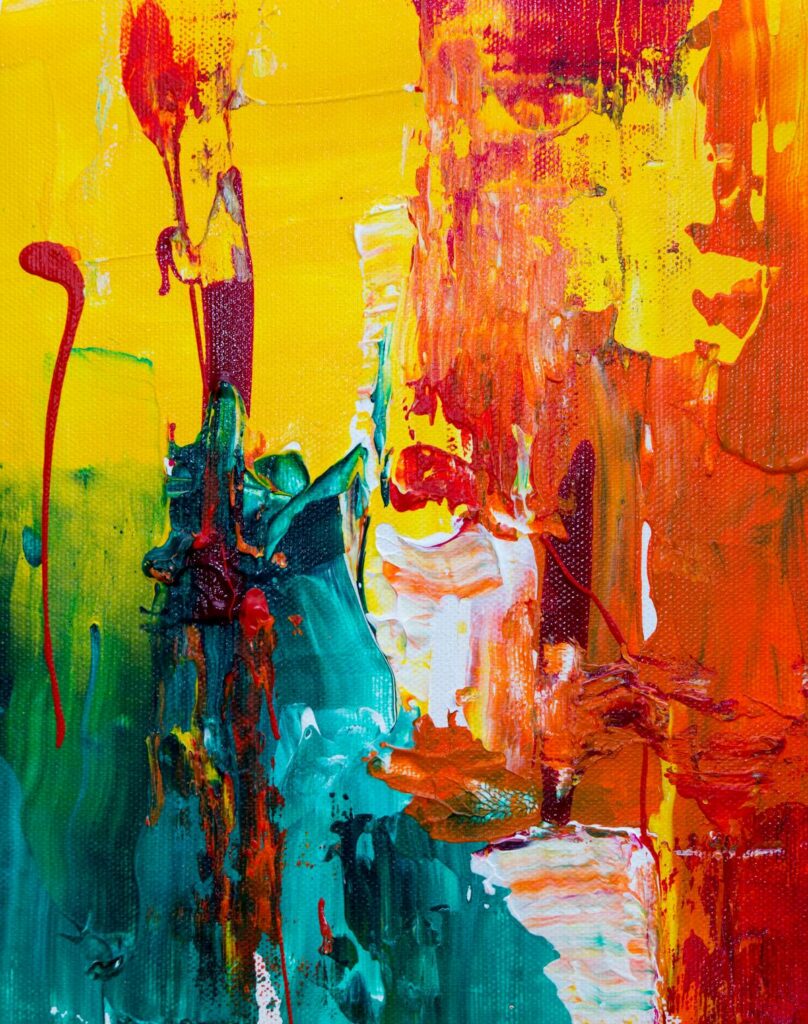
Textures and patterns are essential design elements used in backgrounds, packaging, textiles, digital interfaces, and decorative applications. Creating original textures and patterns traditionally required specialized skills in repeating tile design and hours of manual creation. AI tools now generate unique, seamless textures and patterns from text descriptions in seconds, opening up possibilities for designers who need custom surface designs without the manual work. This guide covers the best AI texture and pattern generators, practical applications, and techniques for creating production-quality results.
Best AI Texture and Pattern Generators
1. Midjourney with –tile Parameter
Midjourney generates seamless tileable patterns using the –tile parameter. The AI creates images whose edges match perfectly when tiled in any direction. Prompt example: “seamless floral pattern, vintage botanical illustration style, muted sage green and dusty rose on cream background –tile –ar 1:1”. The quality and variety of patterns Midjourney produces is exceptional — from geometric to organic, abstract to photorealistic.
2. Patterned AI
Patterned AI is a dedicated AI pattern generator that creates seamless, royalty-free patterns from text prompts. It focuses on production-quality output suitable for textile printing, packaging, and surface design. Patterns are generated at high resolution with guaranteed seamless tiling.
3. Stable Diffusion with Seamless Tiling
Stable Diffusion can generate seamless textures using the tiling option in Automatic1111 or ComfyUI. Combined with ControlNet and custom models trained on specific texture types (wood, marble, fabric, metal), Stable Diffusion produces the most customizable texture generation available. Community texture models on Civitai specialize in photorealistic material textures for 3D rendering and product visualization.
4. Adobe Firefly Generative Patterns
Adobe Firefly generates patterns and textures within the Creative Cloud ecosystem. In Illustrator, Generative Recolor can create color variations of existing patterns instantly. In Photoshop, Generative Fill creates textures that seamlessly blend with existing content.
Applications for AI-Generated Textures
Web and UI design: Background textures, card surfaces, hover state effects, loading patterns. Keep web textures subtle (low contrast, low opacity) to avoid interfering with content readability.
Packaging design: Product packaging surfaces, box interiors, tissue paper patterns, label backgrounds. AI-generated patterns can be unique to your brand, unlike stock patterns used by competitors.
Textile and fashion: Fabric prints for apparel, home textiles, upholstery, and accessories. Production-quality textile patterns require seamless tiling at print resolution (150-300 DPI at production scale). Services like Spoonflower print custom AI-generated patterns on fabric.
3D rendering: Material textures for product visualization, architectural rendering, and game assets. AI-generated PBR (Physically Based Rendering) texture sets include albedo, normal, roughness, and height maps.
Print design: Backgrounds for posters, brochures, business cards, and marketing materials. AI textures add visual depth without the licensing concerns of stock textures.
Creating Seamless Tileable Patterns
In Midjourney: Add –tile to any prompt. Generate at –ar 1:1 for square tiles or –ar 2:1 for rectangular. Test tiling by opening in Photoshop and using Edit > Define Pattern, then fill a large canvas.
In Photoshop: Filter > Other > Offset shifts the image to reveal seam lines. Use Generative Fill to fix visible seams. Recheck with Offset until the tile is seamless.
Quality check: Tile your pattern at least 3×3 to verify that no obvious repetition artifacts appear. The human eye is remarkably good at detecting repeating patterns, so ensure there are no dominant features that create visible grids when tiled.
Frequently Asked Questions
Can I sell products with AI-generated patterns?
Yes, with caveats. Most AI tools grant commercial usage rights for generated content. However, AI-generated patterns could potentially resemble existing copyrighted designs. For commercial products, substantially modify AI output and verify originality. For print-on-demand and textile products, platforms like Spoonflower and Redbubble accept AI-generated designs under their standard terms.
Conclusion
AI texture and pattern generation has opened surface design to the broader design community. What previously required specialized knowledge of repeat tile mechanics and hours of manual creation now happens in seconds with a text prompt. For designers, this means unlimited custom textures for any project, unique brand patterns that competitors cannot replicate, and rapid iteration on surface design concepts without manual production constraints.
Create Your Own QR Code for Free — Need a custom QR code for your project, business, or personal use? Try our free QR code generator to create high-quality QR codes instantly in PNG, SVG, and more formats.