

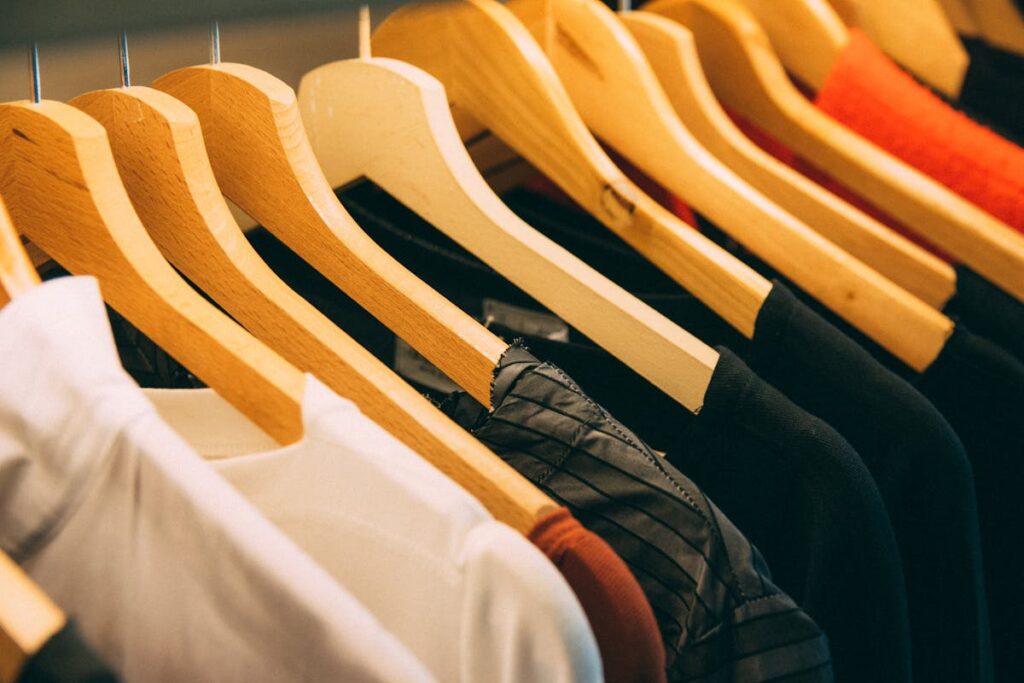
The print-on-demand industry hit $6.4 billion in 2025 and is projected to reach $11.2 billion by 2029, according to Grand View Research. AI design tools are a major driver of this growth, enabling solo creators to produce professional-quality merchandise without formal design training. Whether you’re launching a Merch by Amazon store, an Etsy shop, or a direct-to-consumer brand, AI has fundamentally changed what’s possible for independent designers.
Best AI Tools for Merchandise Design
Midjourney for Concept Art
Midjourney excels at generating unique, stylized artwork perfect for t-shirt prints. Use the --ar 1:1 parameter for square designs or --ar 3:4 for vertical prints. The --style raw flag produces cleaner, more print-ready outputs. Subscription starts at $10/month. Visit Midjourney
Adobe Firefly for Print-Ready Vectors
Firefly’s text-to-vector feature generates scalable artwork that can be resized to any print dimension without quality loss—critical for merchandise that ranges from phone cases to wall murals. Included with Creative Cloud ($22.99/month). Visit Adobe Firefly
Kittl
Purpose-built for merchandise designers, Kittl combines AI image generation with a specialized editor for t-shirt layouts, typography effects, and print-ready export. Templates are pre-sized for major POD platforms. Free tier available; Pro at $10/month. Visit Kittl
Canva AI
Canva’s Magic Design generates complete merchandise layouts from text prompts. Its integration with Printful and other POD services means you can go from idea to listed product in minutes. Free tier available; Pro at $12.99/month. Visit Canva
Design Specifications by Product Type
T-Shirts
Resolution: 4500 × 5400 pixels at 300 DPI for full-front prints. Color mode: RGB for DTG (direct-to-garment), CMYK separated for screen printing. File format: PNG with transparent background. Safe area: Keep critical elements within 12 × 16 inches centered on the chest area. Printful’s sizing guide provides exact templates for each product.
Mugs
Wrap-around dimensions: 3750 × 1575 pixels at 300 DPI. Keep text and key visuals within the center 60% to avoid handle-side cropping. Sublimation printing produces the most vibrant colors on ceramic.
Hoodies and Sweatshirts
Front print area: 3600 × 4200 pixels. All-over print: Requires a seamless tile pattern at 7200 × 10800 pixels minimum. Factor in seam allowances—POD platforms provide specific templates that show cut lines.
Phone Cases
Dimensions vary by model. For iPhone cases, typical dimensions are 1242 × 2208 pixels. Use Printful’s case templates to ensure camera cutout alignment.
Workflow: From AI Prompt to Listed Product
Step 1 — Research trends: Use Google Trends and Merch Analytics to identify rising search terms in your niche. Look for topics with upward momentum but low competition.
Step 2 — Generate base artwork: Create 10–20 variations using Midjourney or Firefly. Use descriptive prompts with style modifiers: “vintage distressed typography, camping adventure, earth tones, vector illustration style, transparent background.”
Step 3 — Refine in editor: Bring your best outputs into Kittl, Canva, or Photoshop. Remove artifacts, adjust colors for fabric printing, add typography, and ensure the design works at multiple sizes.
Step 4 — Background removal: Use remove.bg or Photoshop’s Select Subject for clean transparent PNGs. Check edges at 200% zoom for artifacts.
Step 5 — Mockup and list: Generate lifestyle mockups using Placeit or Printful’s built-in generator. Write SEO-optimized titles and descriptions with relevant keywords. Upload to your chosen marketplace.
Copyright and Legal Considerations
AI-generated artwork exists in a legally evolving space. As of 2026, the U.S. Copyright Office has clarified that purely AI-generated images without sufficient human creative input cannot receive copyright registration. However, designs that incorporate substantial human modification, selection, and arrangement may qualify. Key practices to protect yourself:
Do: Significantly modify AI outputs—add hand-drawn elements, custom typography, unique color grading, and compositional changes. Document your creative process.
Don’t: Use prompts referencing specific artists, copyrighted characters, or trademarked brands. Avoid “in the style of [living artist]” prompts. Check the USPTO trademark database before using any text in designs.
Pricing Strategy for AI-Designed Merchandise
AI dramatically reduces production costs, but pricing should still reflect perceived value. A general framework: POD base cost × 2.5–3.5 = retail price. Premium niches (fitness, gaming, pet lovers) support higher markups. Use Jungle Scout or manual marketplace research to benchmark competitors.
FAQ
Can I sell AI-generated designs on Merch by Amazon?
Yes. Amazon’s content policy doesn’t prohibit AI-generated artwork, but designs must not infringe on existing trademarks or copyrights. Each design still requires unique creative expression.
What’s the best print method for AI designs?
DTG (direct-to-garment) handles complex, multi-color AI artwork best. Screen printing is more cost-effective at scale but requires color separation—typically limited to 6–8 colors per design.
How many designs should I launch with?
Start with 50–100 designs across 3–5 niches. Analyze sales data after 30 days to identify winners, then scale production in those categories.
Create Your Own QR Code for Free — Need a custom QR code for your project, business, or personal use? Try our free QR code generator to create high-quality QR codes instantly in PNG, SVG, and more formats.