

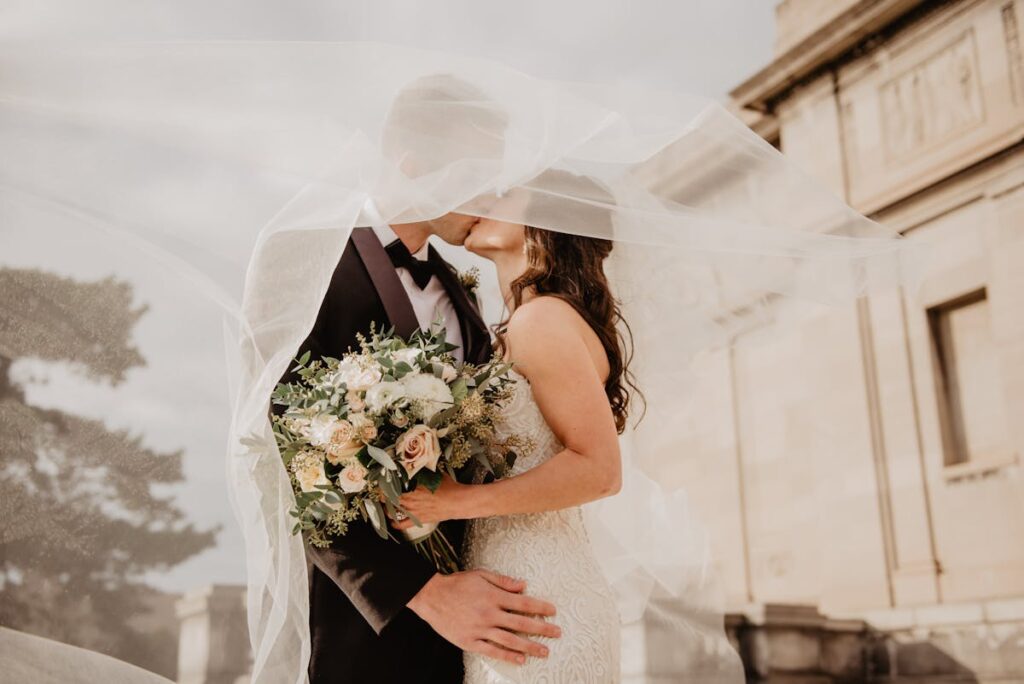
The wedding industry is worth $70 billion in the US alone, and custom design elements—invitations, signage, seating charts, programs—can easily cost $2,000–10,000 when done by a professional designer. AI design tools are enabling couples and event planners to create stunning, personalized materials at a fraction of the cost, while maintaining the bespoke quality that makes special events memorable.
Wedding Invitation Design with AI
Best Tools for Wedding Invitations
Canva: Offers 15,000+ wedding invitation templates with AI customization. Magic Resize adapts your invitation design to save-the-dates, RSVP cards, and program formats automatically. Canva Wedding Invitations
Minted: AI-assisted design platform where you can customize artist-created templates with your own colors, fonts, and layouts. Handles printing and mailing. Visit Minted
Zola: All-in-one wedding platform with AI-powered invitation design that matches your wedding website theme. Free digital invitations; printed from $1.50/piece. Zola Invitations
Invitation Design Specifications
Standard sizes: 5×7″ (most common), 4.25×5.5″ (A2), 5.25×7.25″ (A7 with envelope). Paper weight: 100lb cover stock minimum for quality feel. Print methods: Digital printing (most affordable), letterpress (tactile luxury), foil stamping (metallic accents), engraving (traditional prestige). Resolution: 300 DPI, CMYK color mode. Include 1/8″ bleed for edge-to-edge printing.
Event Signage and Wayfinding
Welcome Signs
Typically 18×24″ or 24×36″, printed on foam board, acrylic, or canvas. AI tools generate elegant calligraphy and floral arrangements that would cost $200–500 from a hand-letterer. Use Canva or Adobe Express templates sized for large-format printing.
Seating Charts
The most complex event design element. AI tools can auto-layout guest names into table arrangements from a spreadsheet. Tools like AllSeated combine floor planning with seating optimization. For printed charts, design at minimum 24×36″ at 150 DPI for readability from 3+ feet away.
Table Numbers and Place Cards
Must match invitation suite typography and color palette. AI can generate 30+ table numbers with consistent styling in minutes. Print on heavyweight cardstock (120lb+) and consider tent-fold construction for stability.
AI for Event Theme Development
Mood Board Generation
Describe your wedding vision to tools like Midjourney or Milanote and generate visual mood boards. Use prompts like “romantic garden wedding mood board, dusty rose and sage green, rustic elegance, candlelight, peonies, linen textures.” These AI-generated concept boards help vendors understand your vision.
Color Palette Extraction
Upload a Pinterest inspiration photo to Coolors’ image picker or Adobe Color to extract exact hex codes. Then apply these colors consistently across all printed materials, digital assets, and lighting design using a shared color guide.
Digital Event Design
Wedding Websites
Platforms like The Knot, Zola, and Joy offer AI-designed wedding websites that match your invitation suite. Include: event details, RSVP functionality, registry links, travel/accommodation info, photo galleries, and FAQ sections.
Digital Invitations
Platforms like Paperless Post and Greenvelope offer animated digital invitations with RSVP tracking. These eliminate printing costs and enable last-minute changes. Popular for save-the-dates, rehearsal dinners, and post-wedding brunch invitations.
Corporate Event Design
Corporate events require a different design approach: brand-compliant colors and fonts, professional photography over artistic illustration, clear information hierarchy, and accessible design (WCAG-compliant contrast ratios). AI tools can generate entire event identity systems—from email invitations to badge designs to stage backdrops—maintaining brand consistency across all touchpoints.
Day-of Materials Checklist
A complete event design package typically includes: invitations and envelopes, RSVP cards, save-the-dates, programs/order of service, menu cards, table numbers, place cards, welcome signs, bar signs, gift table sign, hashtag sign, photo booth props, thank-you cards, and favor tags. AI tools like Canva let you create a master template and generate all items from one design system.
FAQ
How far in advance should I design wedding invitations?
Send save-the-dates 6–8 months before. Mail formal invitations 6–8 weeks before (10–12 weeks for destination weddings). Begin designing 2–3 months before mailing to allow time for proofing and printing.
Can AI design match the quality of a professional wedding designer?
For printed materials, AI tools now produce results indistinguishable from professional design. The main advantage of a human designer is consultation—understanding your vision, making artistic judgments, and ensuring cohesion across all touchpoints. AI handles execution; humans handle curation.
What’s the most cost-effective approach?
Design everything in Canva Pro ($12.99/month) using one master template, then print through a service like VistaPrint or a local print shop. Total cost for a full suite: $200–500 for 100 guests, compared to $1,500–5,000 for professional design + boutique printing.
Create Your Own QR Code for Free — Need a custom QR code for your project, business, or personal use? Try our free QR code generator to create high-quality QR codes instantly in PNG, SVG, and more formats.