

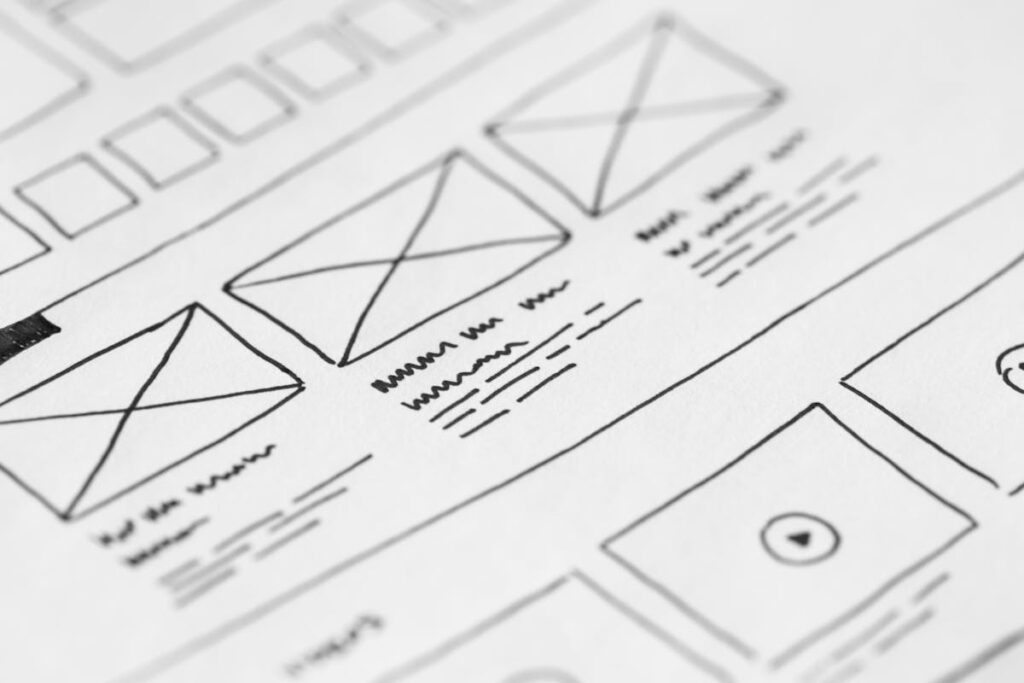
Figma has become the dominant tool for UI/UX design, and its AI features are transforming how designers create interfaces, manage design systems, and collaborate with development teams. From intelligent auto-layout suggestions to AI-generated first drafts, Figma’s AI capabilities reduce repetitive work and let designers focus on creative problem-solving. This guide covers every AI feature in Figma, with practical workflows for UI/UX professionals.
Figma AI Overview
Figma AI integrates artificial intelligence throughout the design workflow rather than as a separate tool. Unlike standalone AI generators, Figma’s AI understands design system constraints — it knows your components, styles, variables, and design tokens and generates output that follows your established patterns. This context awareness is what makes Figma AI uniquely valuable for product design teams maintaining consistency across large applications.
Key Figma AI Features
First Draft Generation
Describe what you need in natural language — “login screen with email and password fields, social login options, and forgot password link” — and Figma AI generates a complete, editable design. The generated design uses your team’s components and styles when available, producing output that fits your design system rather than generic templates.
Best practices: Be specific about content and layout requirements. Include context about the product type and target platform (mobile, desktop, tablet). Review generated layouts as starting points — they typically need refinement of spacing, hierarchy, and brand-specific details.
AI-Powered Auto Layout
Figma AI suggests auto-layout configurations for selected elements, automatically determining padding, spacing, alignment, and resizing behavior. For designers converting static designs to responsive layouts, this feature eliminates the most tedious part of the process — manually configuring auto-layout properties for every frame and component.
Rename Layers Intelligently
One of the most time-saving features: select a messy layer structure (Layer 1, Frame 47, Group 12) and Figma AI renames everything based on content and purpose (Header, Hero Section, CTA Button, Navigation Menu). Clean layer naming is essential for developer handoff, design system maintenance, and team collaboration.
Visual Search
Search across your team’s design files using visual descriptions rather than file names. “Blue card component with avatar” finds relevant components across your entire organization’s Figma workspace. This is transformative for large design teams where finding specific components or patterns across hundreds of files previously required manual browsing.
AI Asset Generation
Generate placeholder images, icons, and illustrations directly within Figma using text prompts. While the quality does not match dedicated generators like Midjourney, the convenience of generating contextually appropriate placeholder content without leaving Figma significantly speeds up wireframing and prototyping.
Design Summarization
Figma AI can summarize complex design files into structured documentation for developer handoff. It identifies key screens, describes interaction patterns, lists components used, and generates implementation notes. This bridges the gap between design and development by creating shared documentation that both teams can reference.
Figma AI for Design Systems
Design systems are where Figma AI delivers the most profound impact. AI-powered design system features include: Component auditing — identify inconsistencies, duplicate components, and unused variants across your system. Style suggestions — AI recommends color, typography, and spacing tokens based on your existing patterns. Variant generation — describe a new component variant and AI generates it following your system’s patterns. Documentation generation — auto-generate component documentation including usage guidelines, variant descriptions, and implementation notes.
Figma Plugins with AI
Beyond Figma’s native AI, the plugin ecosystem extends AI capabilities significantly:
Magician — AI-powered design tool that generates icons, images, and copy within Figma. Particularly useful for generating contextually appropriate placeholder content during wireframing.
Ando — AI assistant that answers design questions, suggests improvements, and reviews designs for accessibility issues directly within Figma.
Stark — Accessibility checker that uses AI to identify contrast issues, missing alt text, and other WCAG compliance problems in your designs.
Content Reel — Populates designs with realistic placeholder content (names, addresses, avatars, text) using AI-curated data sets.
Figma AI vs. Competitors
Figma vs. Adobe XD: Adobe has shifted focus from XD to Figma (after acquiring Figma, then the acquisition being blocked, and ultimately partnering). Figma’s AI features are more mature and deeply integrated. XD receives minimal updates.
Figma vs. Sketch: Sketch remains Mac-only with a smaller AI feature set. Figma’s browser-based, collaborative approach with integrated AI makes it the stronger choice for most teams.
Figma vs. Framer: Framer has stronger AI for generating complete, production-ready websites. Figma has stronger AI for design systems, prototyping, and team collaboration. For product design teams, Figma leads; for marketing landing pages, Framer’s AI is compelling.
Pricing
Free (Starter): 3 Figma design files, unlimited personal files, limited AI features. Sufficient for freelancers and personal projects.
Professional ($15/editor/month): Unlimited files, full AI feature access, shared team libraries, branching and merging.
Organization ($45/editor/month): Advanced AI features including org-wide visual search, design system analytics, centralized admin controls, SSO.
Enterprise (custom pricing): Advanced security, dedicated support, custom plugins, and full AI capabilities with enterprise-grade data protection.
Frequently Asked Questions
Does Figma AI work with my existing design system?
Yes. Figma AI is designed to reference your team’s components, styles, and variables. When generating designs or suggesting improvements, it prioritizes using your existing design system elements over generic solutions. The more comprehensive your design system, the better Figma AI’s suggestions become.
Is Figma AI suitable for mobile app design?
Absolutely. Figma AI understands platform conventions for iOS and Android and generates designs that follow platform-specific guidelines. Specify “iOS” or “Android” in your prompts for platform-appropriate suggestions, including native component patterns, navigation conventions, and gesture-based interactions.
Conclusion
Figma AI is not replacing UI/UX designers — it is amplifying their capabilities by automating tedious tasks (layer naming, auto-layout configuration, documentation) and accelerating creative exploration (first draft generation, visual search, component suggestion). The designers who benefit most are those who build comprehensive design systems and use AI to maintain and extend those systems efficiently. As Figma continues to expand its AI capabilities, the gap between teams using AI-assisted design and those relying on manual processes will only widen.
Create Your Own QR Code for Free — Need a custom QR code for your project, business, or personal use? Try our free QR code generator to create high-quality QR codes instantly in PNG, SVG, and more formats.