

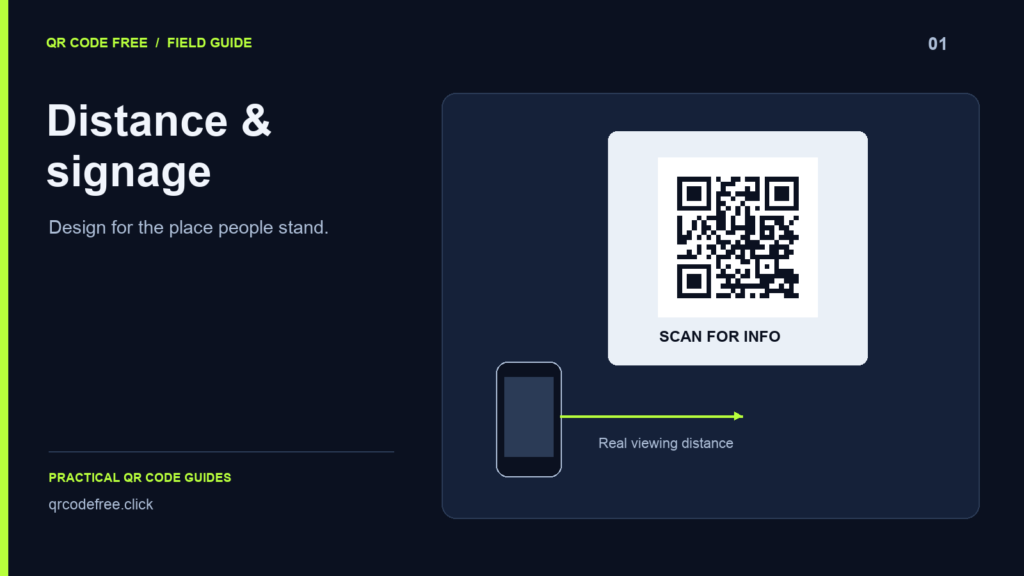
A QR code on a shop window or sign has to work from the position where someone can actually stand. Distance, angle, glare and the encoded pattern all affect the result. A sizing ratio alone cannot guarantee that a code will scan.
Start at the real viewing position
Visit the location before choosing the artwork size. Measure the distance from the likely scanning position, taking account of counters, pavement, planting and other obstacles. Check whether a person can face the code without standing somewhere unsafe.
Use any distance-to-size rule only as a starting point for a physical test. Avoid treating a “10:1 rule” as a standards-based minimum or a promise of reliable scanning.
Keep the payload manageable
A short stable URL usually produces a less dense pattern than a long address with campaign parameters. Compare the Modules value in the generator while keeping the correction level unchanged.
In a live check of this tool, the 20-character URL https://example.com/ at level M produced a 25-module pattern. That observation applies to that exact payload and configuration; it is not a character-count table for every URL.
Calculate space for the margin
For an N-module pattern with module width m, reserve (N + 8) × m for the full square including four-module quiet zones. A 25-module pattern at 2 mm per module is 50 mm wide, with 8 mm of clear margin per side, for 66 mm overall. This illustrates the geometry, not the required scanning size for a particular distance.
Test the material and placement
- Print or fabricate a sample at the intended final size.
- Scan from the actual standing position and from realistic side angles.
- Check daylight, reflections and evening conditions when relevant.
- Try more than one phone and camera application.
- Keep text, edges and folds outside the quiet zone.
A window graphic should be checked from the side where the public will view it. Confirm its actual orientation after installation. For a vehicle, design the code for a safely parked vehicle, rather than expecting a moving target to be scanned.
Add a short label explaining the destination and a readable URL as an alternative. Reference: DENSO WAVE: code area.