

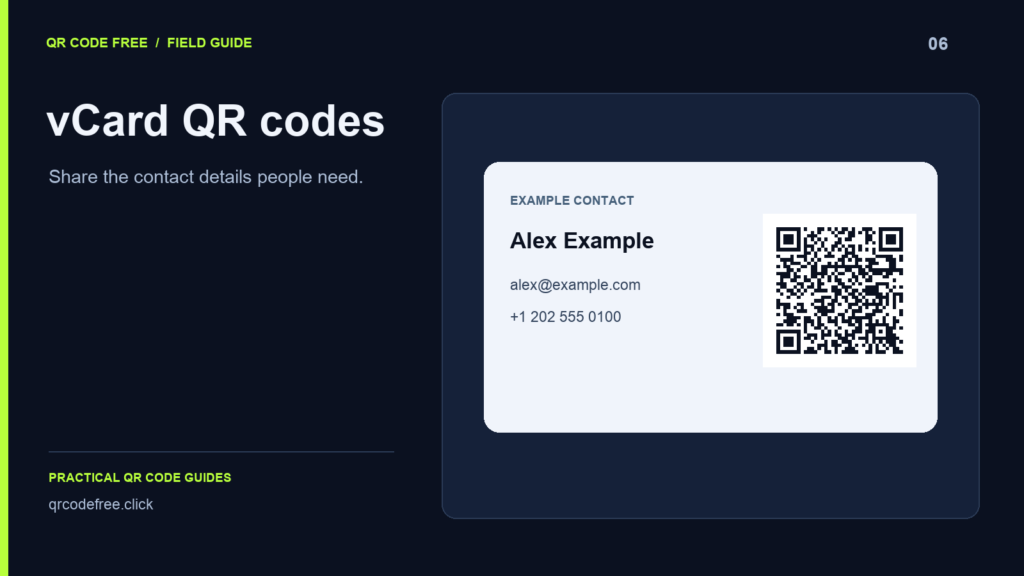
A vCard QR code carries contact information in the image itself. A compatible scanner can offer to add those details to a contact app. It does not silently save a contact, and different devices can interpret optional fields differently.
Keep the record focused
Start with the name, one useful phone number, one email address and an optional website. Extra information increases the payload and can produce a denser pattern. If you need a full biography, multiple addresses or frequently changing details, consider a URL to a public profile instead.
What this form supports
The generator provides Full Name, Phone, Email and Website fields. It creates a vCard 3.0 payload. There are no separate company, job title or street-address controls. Do not assume a field shown in another vCard application is available here.
Use a complete contact record
A vCard 3.0 record includes its version, formatted name and structured name. For an illustrative contact, those fields can look like this:
BEGIN:VCARD
VERSION:3.0
N:Example;Alex;;;
FN:Alex Example
EMAIL:alex@example.com
END:VCARD
The N field separates name components, while FN supplies a formatted display name. Backslashes, separators and line breaks need appropriate handling when constructing a record manually.
Test what the recipient receives
- Enter the final fields and download the QR image.
- Scan it with more than one phone or contact application.
- Inspect the proposed name, phone, email and website.
- Save the example locally if appropriate and check that each field ended up in the expected place.
Use synthetic details when testing. Anyone with the printed QR image may read its contact data, so include only information you intend to distribute.
Prepare the card for print
Preserve the quiet zone, use a simple high-contrast pattern and test a sample at the final size. If the code is too dense, remove optional information or use a short URL. A tool-specific overflow is not proof that the QR standard cannot encode contact data.
Reference: RFC 2426: vCard 3.0. See the business card workflow.