

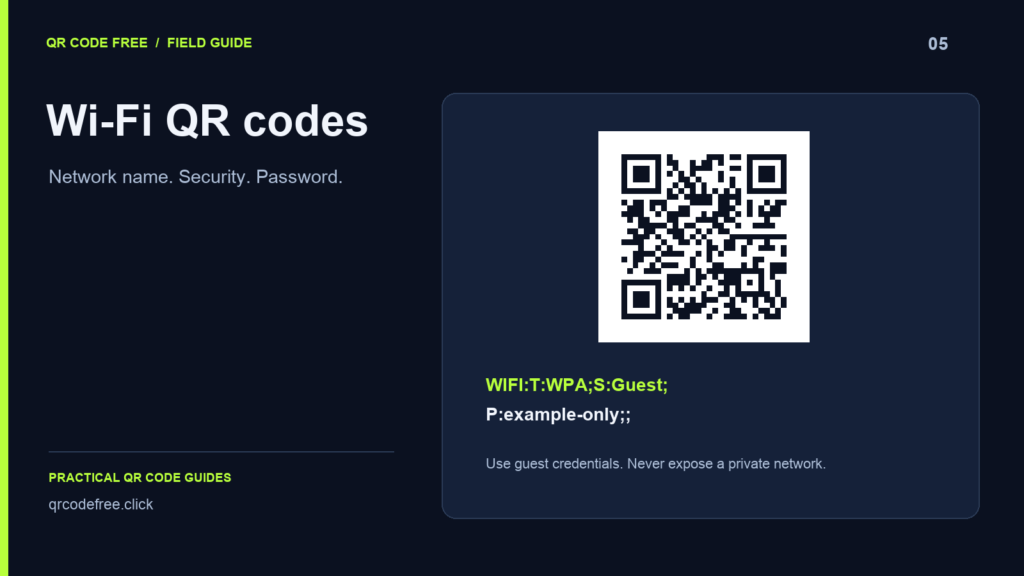
A Wi-Fi QR code carries a network name, security type and password for compatible scanners. It is a convenient way to share guest access, but the credentials are encoded in the image. Anyone who can scan it may be able to read those details.
Use the Wi-Fi form
- Open the generator and choose Wi-Fi.
- Enter the SSID exactly as the router broadcasts it, including letter case.
- Choose the matching security option and enter the password.
- Download the code and test it on devices that are not already connected.
Use a guest network for publicly displayed access. A QR code does not create a network, change its router settings or guarantee that the scanning device supports its security configuration.
Understand the payload
A common example is WIFI:T:WPA;S:Guest;P:example-only;;. T identifies the security type, S the SSID and P the password. An open network uses the no-password form. Scanner support varies by device and operating system.
Characters used by the payload syntax need escaping when they occur inside a field. This generator now escapes backslashes, semicolons, commas, colons and quotation marks in the network name and password. If you construct a payload manually, test those values rather than assuming ordinary text can be inserted unchanged.
Common connection failures
- The SSID or password does not match the router.
- The security choice differs from the network’s configuration.
- The network is unavailable at the scanning location.
- The camera recognises the code but the device does not support automatic joining for that configuration.
Prepare the printed sign
Use a simple high-contrast design and keep the quiet zone. Print at the intended size and test from where visitors will stand. There is no single minimum width that works for every payload and setting.
If you change the credentials, replace every displayed static code. Remove outdated copies so visitors do not keep attempting an old password. For print preparation, read quiet zones and screen versus paper.
Payload reference: ZXing Wi-Fi content conventions.