

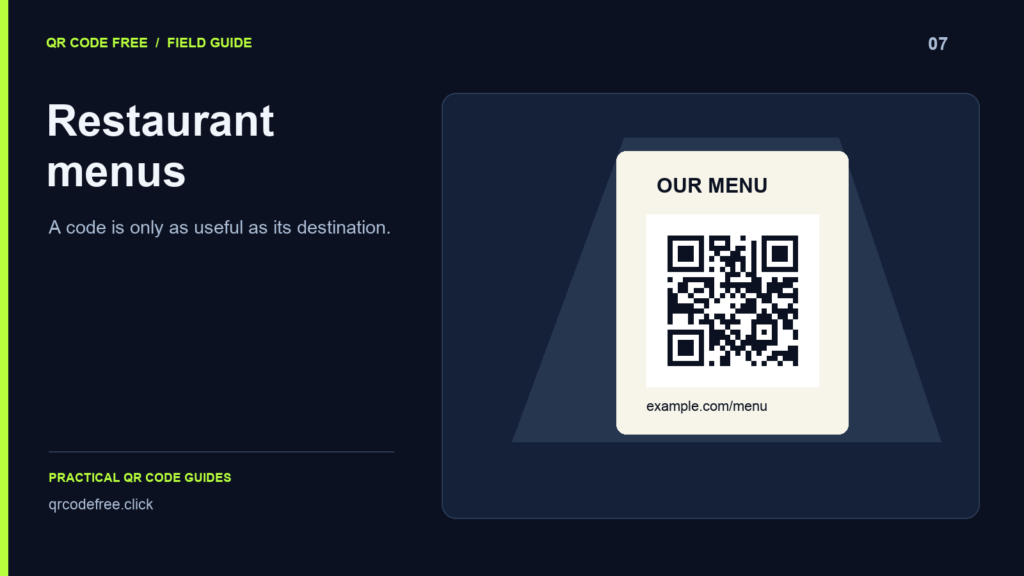
A menu QR code can be perfectly readable while the dining experience still fails. Test both parts: scanning the image and opening a useful menu on the guest’s phone.
1. A link that only works for the owner
Cloud document links can depend on account permissions. Test the exact destination while signed out and on a mobile data connection. A customer should not need access to your account to read a public menu.
2. An unstable destination
A static QR code cannot be edited after printing. If you change the document URL, the old code still contains the old address. Keep a stable menu page under your control, update the content there, or maintain an appropriate redirect on your website.
3. A difficult mobile page
Open the menu on a small screen. Check text size, download weight, navigation and whether the prices are current. A QR code does not fix a slow page, an outdated PDF or a menu that requires excessive zooming.
4. A design tested only at a desk
Print a sample at final size and place it where guests will use it. Dim lighting, glare from a cover and an awkward angle can change scanning performance. Use more than one phone and keep a plain high-contrast pattern as your baseline.
5. The quiet zone becomes decoration
Keep at least four clear modules around the code. Do not fill that area with a frame, caption, photograph or restaurant logo. Read how to calculate the border before tightening a layout.
6. No alternative to scanning
Add a short instruction and a readable address. Keep a suitable alternative for guests without a usable phone, connection or camera. QR access should help guests find the menu, rather than becoming a barrier.
7. Ordering is assumed to come with the QR image
The generator encodes content; it does not host menus, identify tables, accept orders or process payments. If the destination includes those services, test each part separately.
Use a short final URL, download PNG or SVG, and check both the exported file and the complete table sign. See the menu setup workflow.