

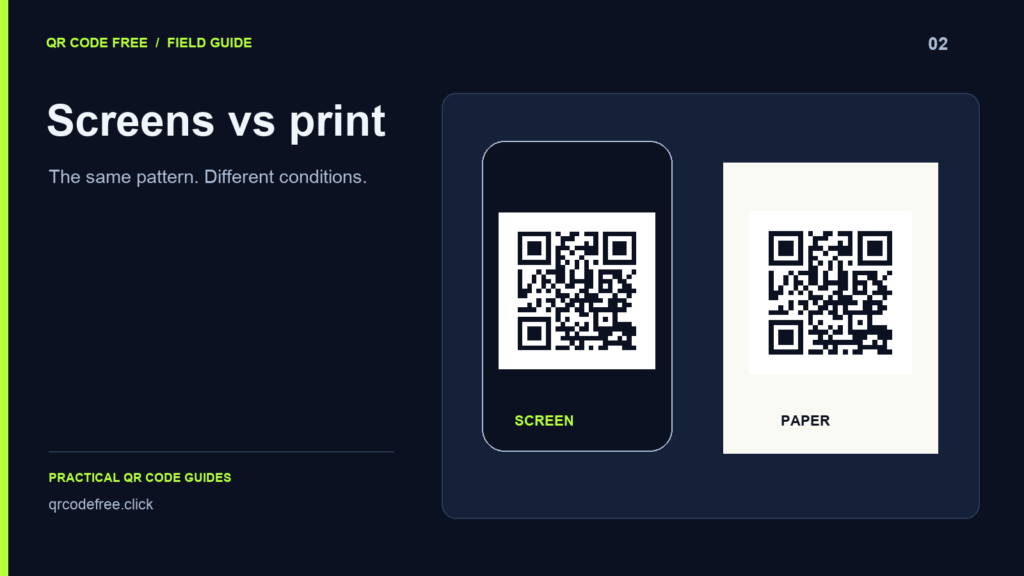
A QR code that works on a monitor still needs testing on paper. Screens emit light; printed material reflects it. Scaling, surface finish, display brightness and lighting can affect the final result differently.
Check a code on a screen
Keep an explicit light background behind dark modules. Do not let an application invert the QR colours in dark mode or place a transparent pattern over changing content. Inspect the final rendered page after any image resizing or compression.
For a fixed-size PNG, generate enough pixels for the intended display. For a compatible website or design application, SVG can preserve the pattern as shapes. Either format still needs to occupy enough screen space for the intended scanning distance.
Check a printed code
Print at final size on the intended material. Ink spread, texture, folds and reflections can change the image a phone camera sees. A glossy table cover can cause a problem even when the underlying print is sharp.
Ask the printer about colour and production settings. In some workflows a single black separation is useful, but the correct specification depends on the process. Do not assume that selecting SVG, PDF or EPS automatically produces the printer’s required colour setup.
Use dimensions accurately
Standard QR patterns grow from 21 modules in increments of four. The full footprint also includes at least four clear modules on each side. For a pattern with N modules and a chosen physical module size m, reserve (N + 8) × m.
For example, 33 modules at 0.5 mm per module require a 20.5 mm total square including the margins. This is an arithmetic example, not a universal minimum print size. Payload, camera, distance and material still need testing.
A practical comparison test
- Generate a simple high-contrast code with the final payload.
- Scan the downloaded file at its intended screen size.
- Print the final layout at its intended physical size.
- Test several phones under the conditions where people will use it.
- If one version struggles, simplify the design, enlarge the code or shorten the payload.
Read quiet zones and file formats. Reference: DENSO WAVE: module size.